
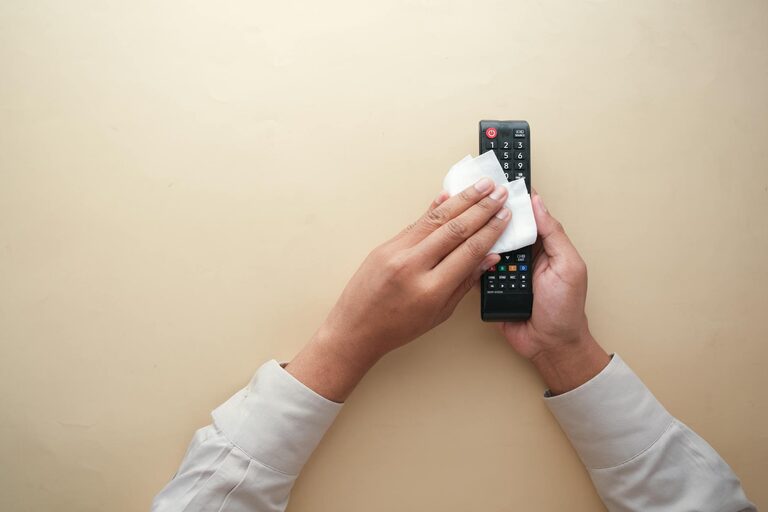
Keeping your phone and keyboard clean is important—not just for appearance, but also for hygiene and the longevity of your devices. Our phones and keyboards often collect dust, oils, and germs, which can affect performance and even impact health. However, cleaning these devices requires care to avoid damage. In this guide, we’ll walk you through safe, effective methods for cleaning your phone and keyboard.
Why Clean Your Phone and Keyboard?
Phones and keyboards are among the most frequently touched items in daily life. They can harbor bacteria and dirt, which may contribute to the spread of germs. Additionally, dust and debris can cause keys to stick or affect phone sensitivity over time.
Regular cleaning:
– Improves hygiene by removing germs and bacteria
– Enhances the aesthetic appearance of your devices
– Maintains device functionality
– Prolongs the lifespan of hardware components
What You Will Need
Before getting started, gather the following materials:
– Microfiber cloths (lint-free)
– Cotton swabs
– Isopropyl alcohol (70% or less)
– Mild dish soap
– Distilled water
– Soft-bristle brush or toothbrush
– Compressed air (optional)
– Small bowl
Avoid harsh chemicals or abrasive materials, as these can damage screens and key surfaces.
—
# How to Clean Your Phone Safely
Phones have delicate screens and sensitive internal components, so extra care is needed.
Step 1: Power Off and Unplug
Always turn off your phone and unplug any accessories before cleaning. This prevents accidental inputs and protects the device from moisture damage.
Step 2: Remove Case and Accessories
Take off your phone case, screen protector (if removable), and any other attachments. Clean these separately using appropriate methods.
Step 3: Prepare Cleaning Solution
Mix equal parts distilled water and isopropyl alcohol (70%) in a small bowl. This mixture cleans effectively without harming the screen’s oleophobic (oil-resistant) coating.
Step 4: Wipe the Screen and Body
– Slightly dampen a microfiber cloth with the cleaning solution.
– Gently wipe the phone’s screen and body; avoid excess moisture.
– Do not spray fluids directly on the phone.
Step 5: Clean Ports and Crevices
– Use a dry cotton swab or soft brush to remove dust from charging ports, speaker grills, and other openings.
– For stubborn debris, a can of compressed air can be helpful, but use it at a distance to avoid moisture build-up.
Step 6: Clean the Phone Case
If your phone case is silicone or plastic:
– Wash it with mild dish soap and warm water.
– Rinse thoroughly and dry completely before reattaching.
For leather or fabric cases, follow manufacturer instructions or use specialized cleaners.
—
# How to Clean Your Keyboard Safely
Keyboards, especially those used in shared spaces, accumulate dust, food particles, and oils.
Step 1: Unplug or Turn Off
For wired keyboards, unplug them. For wireless keyboards, turn them off and remove batteries if possible.
Step 2: Shake Out Debris
Turn the keyboard upside down and gently shake it to dislodge loose debris.
Step 3: Use Compressed Air
Blow compressed air between the keys to remove dust and crumbs.
Step 4: Clean Key Surfaces
– Mix mild dish soap and warm water.
– Lightly dampen a microfiber cloth with the solution.
– Carefully wipe each key and the keyboard surface.
– Avoid excess moisture to prevent damage.
Step 5: Detail Cleaning Between Keys
Dip a cotton swab in the soapy water, squeeze out excess liquid, and run it between key gaps to remove grime.
Step 6: Dry Thoroughly
Allow the keyboard to air dry completely before plugging it back in or turning it on.
—
# Additional Tips and Precautions
– Clean your devices regularly, at least once a week if used heavily.
– Avoid household cleaners with ammonia, bleach, or abrasive agents.
– Never immerse your phone or keyboard in water.
– Use separate cloths for electronics and other household cleaning.
– Wash your hands before and after cleaning your devices.
—
Conclusion
By following these simple, safe cleaning steps for your phone and keyboard, you can maintain cleaner, healthier devices without risk of damage. Regular care extends the life of your gadgets and helps limit the spread of germs. Keep your tech shining and functioning smoothly with just a few minutes of routine cleaning!
Happy cleaning!